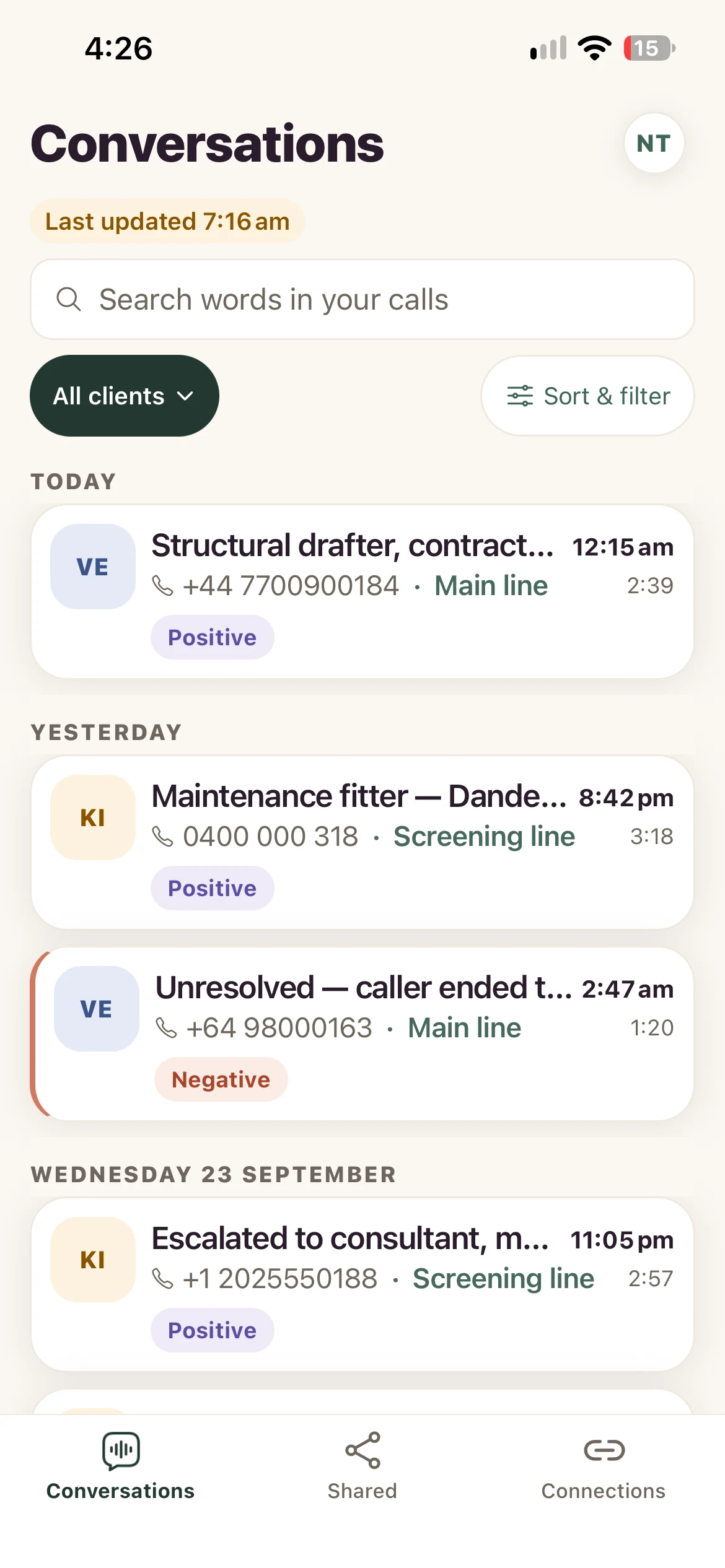
Find the right call.
One list for every call. Filter by client, agent, source or day to get straight to what matters.
 Fig
FigYour AI calls. A human perspective.
Your AI agent takes the calls. Fig helps you see what it actually said — with recordings, transcripts and context, together on your iPhone.
Explore the demo without an account.

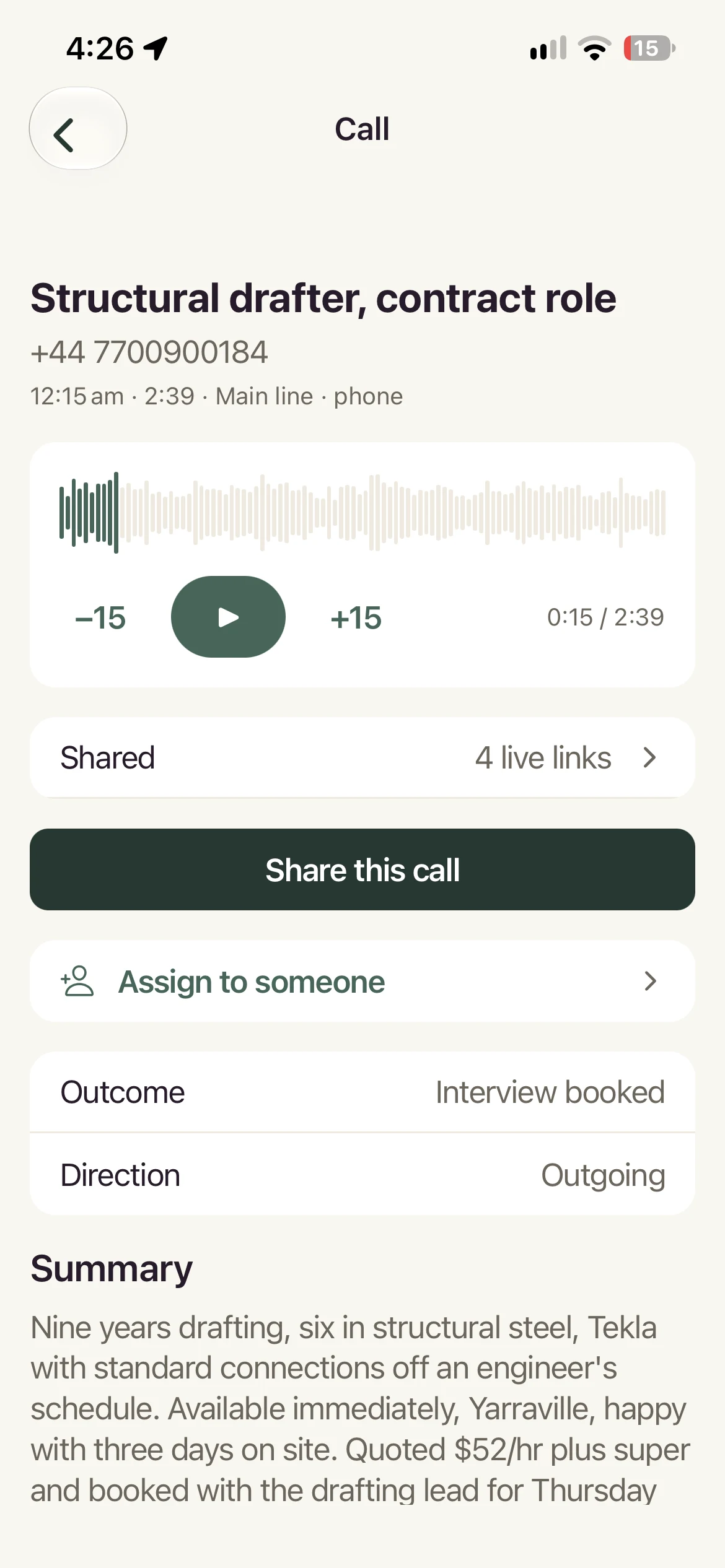
A misheard date. An outdated price. A promise you now have to honour.
The costly mistakes can hide inside calls that look perfectly fine. Fig brings the recording and transcript together, so you can hear the context and make your own judgement.
Less searching. More understanding.
One list for every call. Filter by client, agent, source or day to get straight to what matters.
Play the recording alongside the transcript. Jump to the moment you want to understand.
See who listened to what. Keep each client’s calls separate, with access to their own.
Connect the conversational agents you already use. Fig reviews calls your agents have taken.
No agent scores or automated verdicts. Listen, read and decide what a call means.
Jump from the transcript to the relevant part of the recording, so you can check a detail without listening from start to finish.
Explore an example agency, clients and calls with recordings and transcripts.
No account. Nothing to set up.
Free while we learn what’s useful to you.